
I still remember how nervous I felt before creating my first WordPress website.
I thought building a fast professional website required coding skills, expensive developers, or advanced technical knowledge.
Honestly, that assumption stopped me from starting for a long time.
When I finally launched my first WordPress site, I made almost every beginner mistake possible.
I installed heavy themes, uploaded huge images, added too many plugins, and completely ignored website speed.
The result?
The website looked slow, cluttered, and frustrating on mobile devices.
Over time, I realized something important:
You do not actually need coding skills to create a fast WordPress website anymore.
Modern tools, lightweight themes, and proper optimization plugins make the process much easier than before.
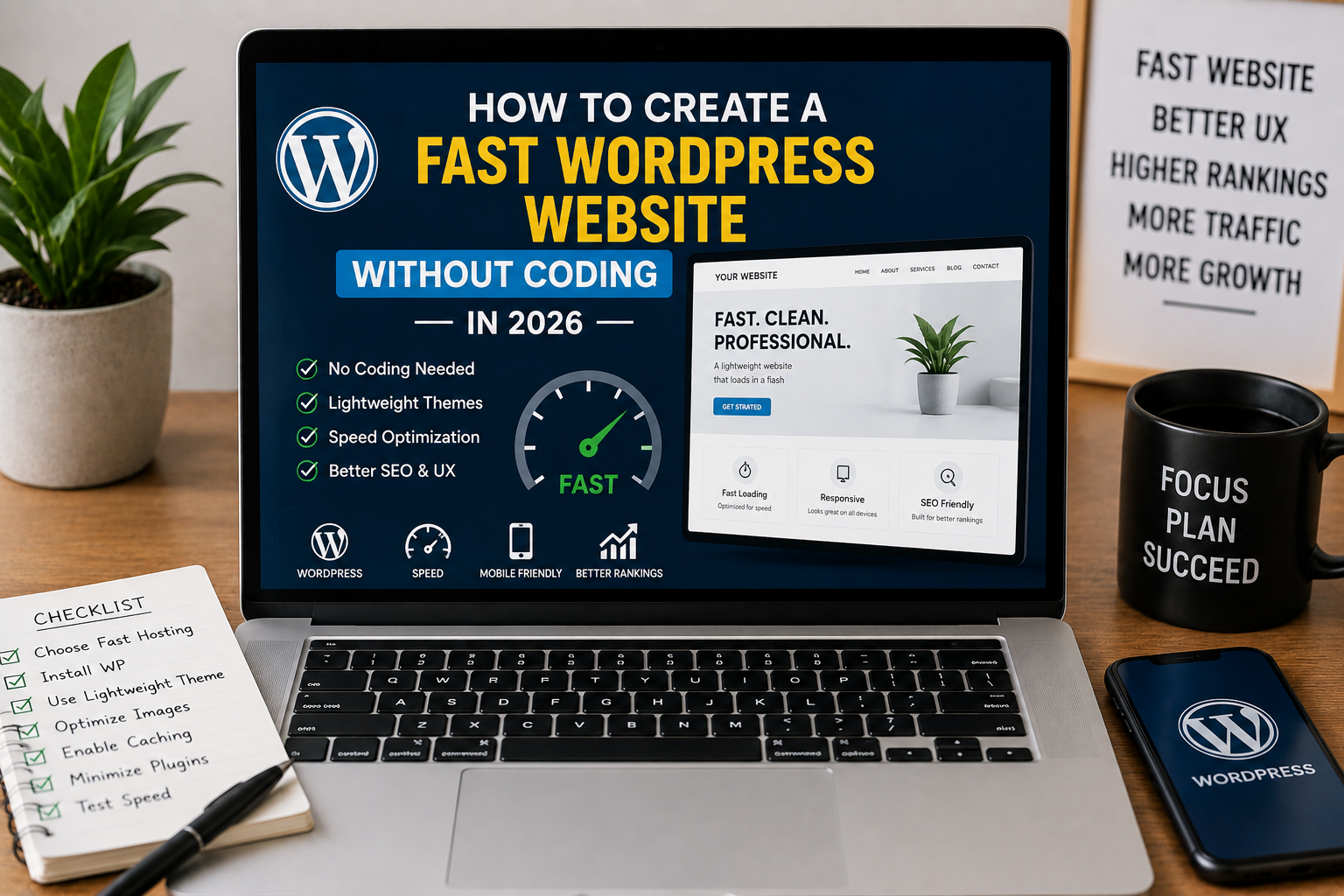
If you are planning to create a fast WordPress website in 2026 without coding, this beginner-friendly guide will help you build a clean and optimized website step by step.
Why Website Speed Matters More Than Ever
Most people leave slow websites quickly.
I personally noticed visitors spending more time on faster websites compared to slower overloaded pages.
Website speed affects:
- User experience
- SEO rankings
- Mobile performance
- AdSense quality signals
- Affiliate conversions
Fast websites simply feel more professional and trustworthy.
Can You Really Build a Fast Website Without Coding?
Honestly, yes.
Modern WordPress tools now allow beginners to build surprisingly professional websites without touching code.
You mainly need:
- Good hosting
- Lightweight themes
- Proper plugins
- Image optimization
- Simple layouts
Keeping things clean and lightweight usually matters more than advanced coding.
How to Create a Fast WordPress Website Without Coding
After testing many WordPress setups, I realized fast websites usually follow a simple formula.
- Choose reliable hosting
- Install a lightweight theme
- Use minimal plugins
- Optimize images
- Enable caching
- Focus on mobile speed
These small improvements together create a huge difference.
Choose Fast and Reliable Hosting
One of the biggest mistakes I made early on was choosing extremely cheap hosting.
The website constantly felt slow no matter how much optimization I tried.
Eventually, I switched to better hosting and noticed immediate improvements.
Good Hosting Should Provide
- Fast server response
- Stable uptime
- Good support
- LiteSpeed compatibility
- SSD storage
Hosting quality matters much more than beginners usually realize.
Use a Lightweight WordPress Theme
This made one of the biggest improvements for me personally.
I used to install fancy themes packed with animations and effects.
They looked impressive initially but slowed websites badly.
Now I usually prefer lightweight themes like:
- Astra
- GeneratePress
- Kadence
- Blocksy
Simple themes usually load much faster and feel smoother on mobile devices.
You can also read our Best WordPress Themes guide for beginner-friendly recommendations.
Use a Simple Page Builder Only if Necessary
Page builders help beginners design websites visually without coding.
But some page builders can become heavy if overused.
I personally try to keep layouts simple.
Popular Beginner-Friendly Builders
- Elementor
- Spectra
- Gutenberg blocks
Honestly, the default WordPress block editor has improved a lot recently.
Many beginners can build clean websites without heavy builders now.
Install Only Necessary Plugins
I made the mistake of installing dozens of plugins because every plugin looked useful.
Eventually, the website became slow and unstable.
Now I try to keep plugin usage minimal.
Plugins I Personally Recommend
- Rank Math SEO
- LiteSpeed Cache
- Wordfence Security
- UpdraftPlus
Too many plugins usually create unnecessary performance issues.
Enable Caching Properly
Caching is one of the easiest ways to improve website speed.
I personally noticed major improvements after setting up LiteSpeed Cache correctly.
Caching helps:
- Reduce loading times
- Improve mobile speed
- Reduce server requests
- Improve Core Web Vitals
Even basic caching setup can make websites feel much faster.
Optimize Images Before Uploading
Large images are one of the most common speed problems on beginner websites.
I personally used to upload huge screenshots directly from my phone.
That slowed pages badly.
Now I usually:
- Resize images
- Compress files
- Use WebP format
- Add lazy loading
You can also explore our Image Optimization guide for detailed optimization tips.
Keep Website Design Simple
This completely changed my mindset.
I used to think more animations and effects automatically looked professional.
Actually, clean layouts usually feel faster and easier to use.
Simple websites often:
- Load faster
- Improve readability
- Perform better on mobile
- Reduce distractions
Minimal design often creates a more professional appearance overall.
Focus on Mobile Performance
Most visitors now browse websites using phones.
I personally test websites on mobile devices regularly because desktop performance alone is not enough anymore.
Always check:
- Mobile speed
- Text readability
- Button spacing
- Menu usability
Fast mobile experience matters a lot for SEO and user engagement.
Improve Core Web Vitals
Core Web Vitals measure real user experience.
Improving them usually helps websites feel smoother and more responsive.
You can test performance using Google PageSpeed Insights.
You can also explore our Core Web Vitals guide for detailed performance optimization tips.
Use SEO Plugins Properly
SEO plugins help beginners optimize websites without coding knowledge.
I personally use Rank Math SEO because it simplifies:
- Meta descriptions
- Focus keywords
- Internal linking
- Readability improvements
Proper SEO structure also helps websites look more professional overall.
Common Mistakes That Slow WordPress Websites
Installing Heavy Themes
Fancy themes often create unnecessary loading problems.
Uploading Huge Images
Large images slow websites dramatically.
Using Too Many Plugins
More plugins usually increase resource usage.
Ignoring Mobile Optimization
Mobile visitors now matter more than ever.
Simple Fast WordPress Setup I Personally Recommend
If I launch a WordPress website today, my setup would probably include:
- GeneratePress or Astra
- LiteSpeed Cache
- WebP images
- Fast hosting
- Minimal plugins
- Clean layouts
This setup already creates a fast beginner-friendly website without coding.
You can also read our Core Web Vitals article to improve speed and user experience further.
What Helped Me Build Faster Websites Most
Honestly, the biggest improvement happened when I stopped trying to make websites “look advanced” and focused instead on making them easier to use.
Fast simple websites usually feel much better than overloaded complicated designs.
Visitors mainly care about speed, readability, and usability.
Final Thoughts
Creating a fast WordPress website without coding in 2026 is much easier than many beginners expect.
You do not need advanced development skills to build a clean professional website anymore.
Most fast websites mainly depend on:
- Good hosting
- Lightweight themes
- Image optimization
- Minimal plugins
- Clean layouts
If you keep your website simple, optimized, and user friendly, you can create surprisingly fast WordPress websites even without touching code.

Askwps is a technology and blogging website that shares helpful guides about WordPress, SEO, web hosting, blogging, website speed optimization, and online tools. Our goal is to provide simple and practical tutorials for beginners and website owners.