
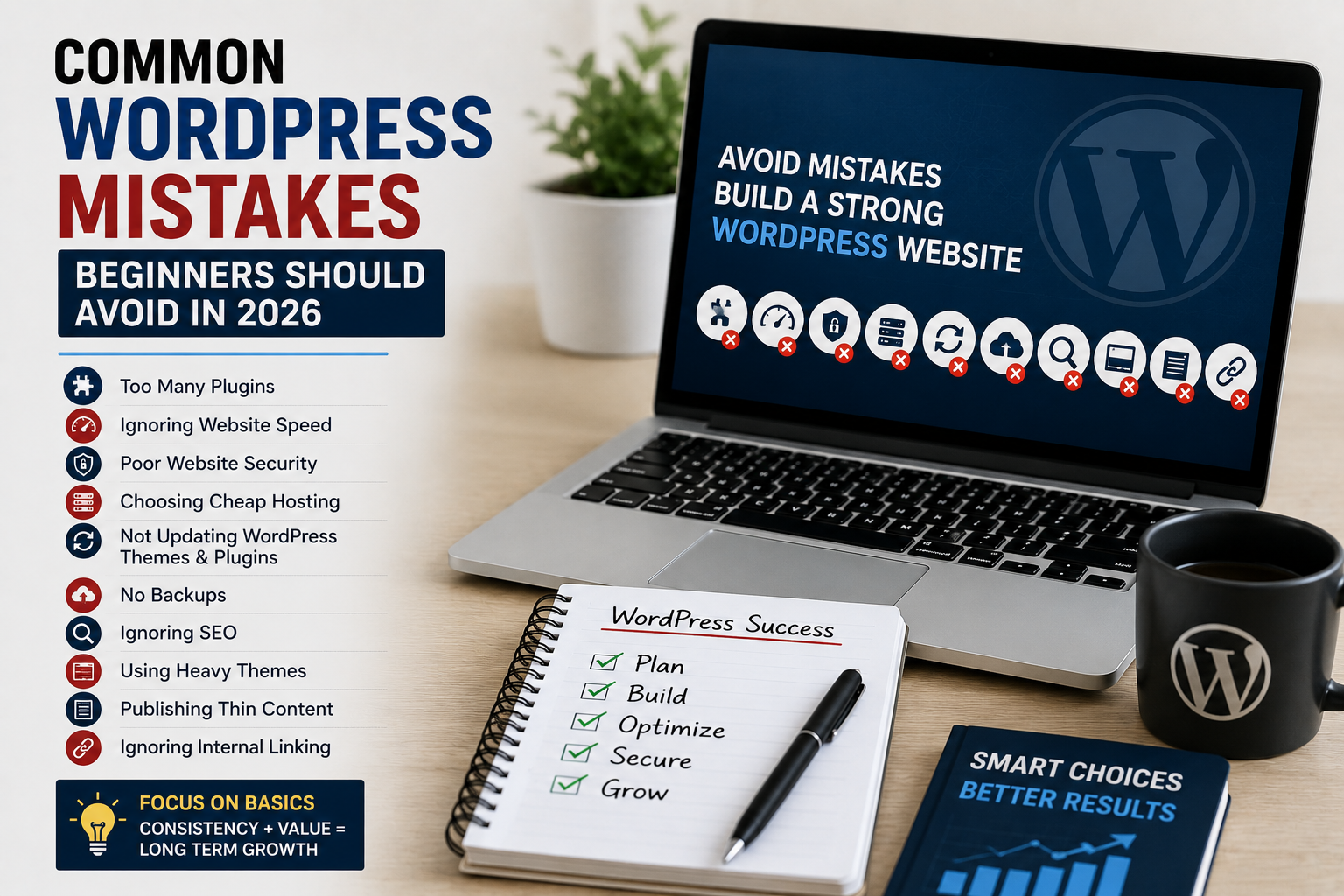
Common WordPress Mistakes Beginners Should Avoid in 2026
I still remember how excited I was after launching my first WordPress website.
I installed a flashy theme, added dozens of plugins, uploaded large images directly from my phone, and thought I was building the perfect blog.
A few weeks later, the website became painfully slow, plugin conflicts started appearing, and Google traffic was basically nonexistent.
At that point, I realized something important:
Most beginner WordPress problems are not caused by WordPress itself. They usually happen because of small mistakes people make without realizing the long-term impact.
Honestly, I made almost every beginner mistake possible.
The good thing is that those mistakes taught me what actually matters when building a website properly.
If you are starting a WordPress blog in 2026, avoiding these common mistakes can save you a lot of time, frustration, and unnecessary problems later.
Why Beginners Struggle With WordPress
WordPress is powerful, but beginners often get overwhelmed because there are too many options.
You can install thousands of plugins, themes, page builders, optimization tools, and SEO features.
Without proper guidance, people usually:
- Install unnecessary plugins
- Ignore website speed
- Skip backups
- Forget SEO basics
- Choose poor hosting
I personally learned that keeping things simple usually works much better.
Common WordPress Mistakes Beginners Should Avoid
These are the mistakes I personally made or repeatedly noticed on beginner websites.
1. Installing Too Many Plugins
This is probably one of the most common beginner mistakes.
I once installed over 30 plugins on a small website because every plugin looked useful.
At first everything seemed fine.
Then the website became slow, updates started conflicting, and random issues appeared constantly.
More plugins do not automatically make a better website.
What You Should Do Instead
- Install only necessary plugins
- Use trusted developers
- Delete unused plugins
- Avoid duplicate functionality
You can also read our Best WordPress Plugins for Beginners guide to find useful plugins without overloading your website.
2. Ignoring Website Speed
Website speed matters much more than many beginners realize.
I personally noticed visitors leaving quickly when pages loaded slowly on mobile devices.
Slow websites can hurt:
- User experience
- SEO rankings
- AdSense approval chances
- Bounce rates
Simple Ways to Improve Speed
- Compress images
- Use caching plugins
- Choose lightweight themes
- Remove unnecessary scripts
You can test website performance using Google PageSpeed Insights.
3. Choosing Cheap Low-Quality Hosting
I understand why beginners choose extremely cheap hosting.
I did the same thing initially.
But poor hosting often creates:
- Slow loading speeds
- Frequent downtime
- Security problems
- Poor support
Good hosting does not need to be extremely expensive, but reliability matters.
Stable hosting makes WordPress management much easier.
4. Ignoring Backups
This mistake becomes painful when something breaks.
I once updated a plugin that completely crashed a website.
Unfortunately, there was no backup available.
Recovering everything manually took hours.
Now I always use backup plugins like UpdraftPlus.
Things You Should Back Up
- Website files
- Themes
- Plugins
- Database
- Images
Automatic backups can save huge amounts of stress later.
5. Not Learning Basic SEO
Many beginners publish articles without understanding how search engines work.
I personally ignored SEO completely in the beginning.
The result was simple:
No traffic.
Basic SEO improvements include:
- Using proper headings
- Adding internal links
- Optimizing images
- Writing better titles
- Using focus keywords naturally
Plugins like Rank Math SEO help beginners understand SEO more easily.
You can also explore our Best Free SEO Tools for Bloggers article for useful optimization tools.
6. Using Weak Passwords
Many beginners underestimate website security.
I once used an extremely simple admin password because I thought nobody would target a small website.
That assumption was risky.
Weak passwords make websites vulnerable to brute-force attacks.
Better Security Habits
- Use strong passwords
- Enable SSL
- Use security plugins
- Update WordPress regularly
You can also read our WordPress Security guide for beginner-friendly protection tips.
7. Using Heavy Themes With Too Many Effects
I used to think fancy animations automatically made websites look professional.
Actually, many heavy themes slow websites badly.
Simple lightweight themes usually perform better.
I personally prefer themes like:
- Astra
- GeneratePress
- Kadence
Clean websites are easier to manage and usually faster too.
8. Ignoring Mobile Optimization
Most website visitors now come from mobile devices.
If your website looks broken on phones, visitors leave quickly.
Always test:
- Mobile speed
- Text readability
- Menu usability
- Image responsiveness
A simple mobile-friendly layout often performs much better than complicated designs.
9. Publishing Thin Content
Short low-quality articles rarely perform well today.
I personally noticed better SEO results after creating more detailed helpful content.
Good articles usually:
- Solve real problems
- Explain clearly
- Use examples
- Provide practical tips
Helpful content builds trust over time.
10. Ignoring Internal Linking
Internal linking is one of the easiest SEO improvements beginners forget.
Connecting related articles helps:
- Improve SEO
- Increase page views
- Keep visitors longer
- Improve website structure
For example, WordPress plugin articles can naturally link to SEO or website speed tutorials.
11. Installing Nulled Plugins and Themes
This is extremely risky.
Free pirated plugins often contain:
- Malware
- Spam scripts
- Hidden links
- Backdoors
I personally saw websites get compromised because of modified premium plugins downloaded from random websites.
It simply is not worth the risk.
12. Obsessing Over Design Instead of Content
I wasted too much time changing colors, layouts, and homepage sections when I first started blogging.
Meanwhile, I barely published useful content.
Good content matters more than fancy design.
Simple websites with helpful articles often outperform complicated websites.
Simple WordPress Setup I Personally Recommend
If I start a beginner WordPress website today, my setup would probably include:
- Lightweight theme
- Rank Math SEO
- LiteSpeed Cache
- Wordfence Security
- UpdraftPlus backups
- Minimal plugins
This setup keeps websites simple, fast, and beginner friendly.
You can also read our Website Traffic guide to learn how to grow visitors after launching your blog.
What I Wish I Knew Earlier
Honestly, I wish someone had told me earlier that WordPress success usually comes from consistency and simplicity instead of trying every advanced trick immediately.
Most beginners waste time overcomplicating things.
Simple websites with useful content, decent SEO, good speed, and proper security usually perform surprisingly well over time.
Final Thoughts
Making mistakes while learning WordPress is completely normal.
I personally learned many lessons the hard way.
The good thing is that most beginner WordPress mistakes are easy to avoid once you understand the basics.
You do not need a perfect website immediately.
You simply need a clean setup, helpful content, good habits, and consistent improvement over time.
If you are serious about building a successful WordPress website in 2026, avoiding these common mistakes can save you a lot of unnecessary problems later.

Askwps is a technology and blogging website that shares helpful guides about WordPress, SEO, web hosting, blogging, website speed optimization, and online tools. Our goal is to provide simple and practical tutorials for beginners and website owners.