
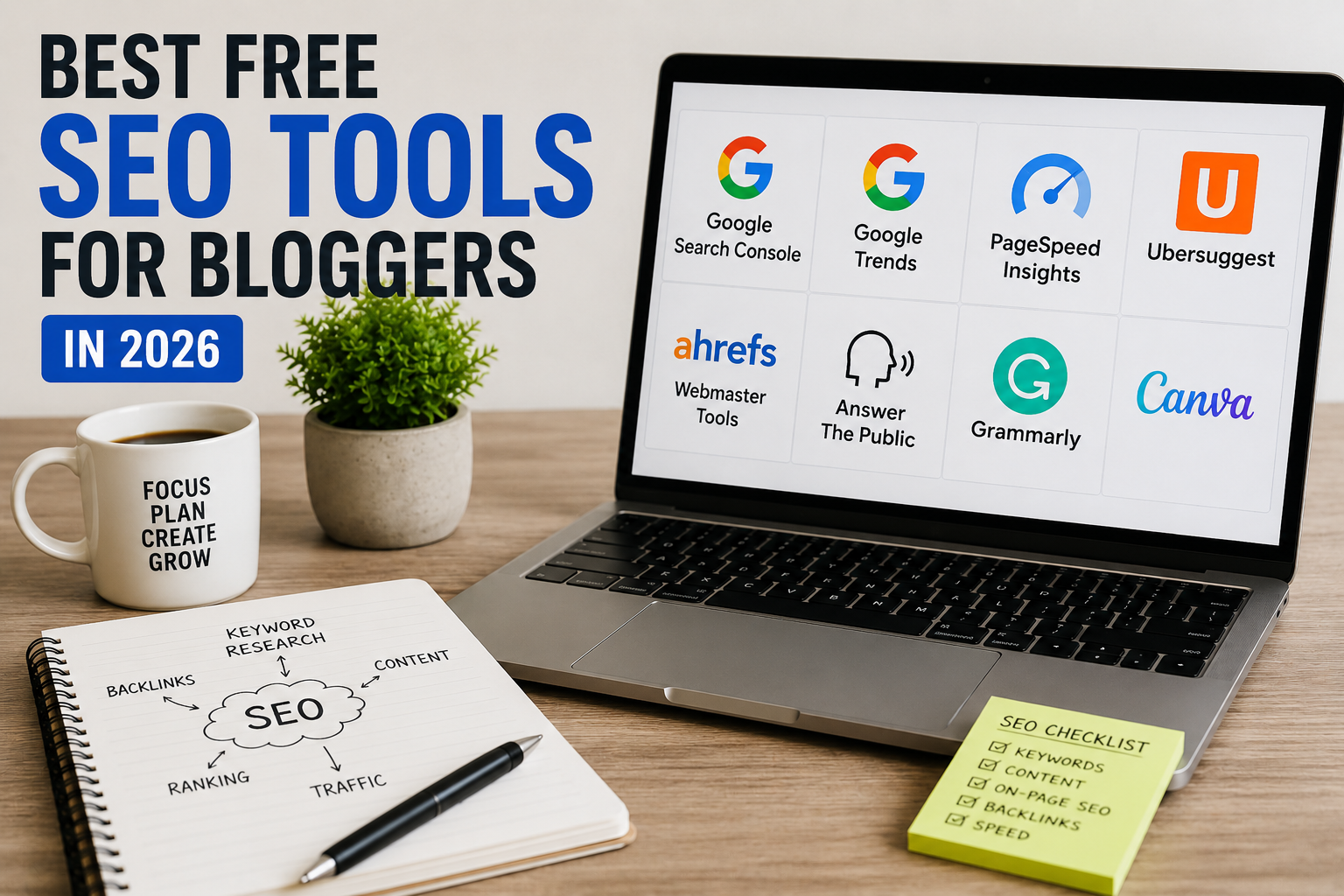
Best Free SEO Tools for Bloggers in 2026
When I started blogging, I honestly believed writing articles was enough to get traffic.
I published post after post and kept checking Google Analytics every few hours expecting visitors to magically appear.
Nothing happened.
At first, I thought my content was bad. Then I realized something important — I had no idea what people were actually searching for, whether my website had SEO issues, or why Google was ignoring my articles.
That was the point where I started exploring SEO tools.
The funny thing is that beginners often assume SEO tools are expensive and complicated. Some are. But honestly, many free SEO tools today are powerful enough to help small blogs grow surprisingly well.
I personally used free tools for a long time before ever paying for anything.
If you are learning blogging or trying to grow a WordPress website in 2026, these are the best free SEO tools for bloggers that I genuinely found useful.
Why Bloggers Need SEO Tools
SEO tools help you understand things that are difficult to guess manually.
For example:
- What people search on Google
- Why pages are not ranking
- Which keywords bring traffic
- How fast your website loads
- What technical SEO problems exist
Without SEO tools, blogging becomes mostly guessing.
I learned this the hard way after spending weeks writing articles nobody searched for.
Best Free SEO Tools for Bloggers in 2026
These are the tools I personally found genuinely useful for beginner blogging and WordPress websites.
1. Google Search Console
If I could recommend only one free SEO tool for beginners, it would probably be Google Search Console.
This tool completely changed how I understood blogging.
Before using it, I had no idea which articles were appearing in Google search results.
Google Search Console shows:
- Search keywords
- Website clicks
- Impressions
- Indexing issues
- Mobile usability problems
- Core Web Vitals
One thing I personally love is discovering unexpected keywords that already bring impressions.
Sometimes small keyword changes helped improve rankings surprisingly fast.
You can set it up directly with WordPress using plugins like Rank Math SEO.
2. Google Trends
Google Trends is one of the simplest but most underrated SEO tools.
I personally use it whenever I want to check whether interest in a topic is growing or dying.
For example, before writing tutorials, I often compare multiple keyword ideas using Google Trends.
It helps bloggers:
- Find trending topics
- Compare search interest
- Discover seasonal trends
- Avoid outdated topics
Many beginners ignore this tool, but it can help avoid wasting time on low-interest topics.
You can explore trends using Google Trends to discover what people are searching for.
3. Google PageSpeed Insights
Website speed affects both SEO and user experience.
I learned this after noticing visitors leaving one of my websites almost immediately because pages loaded too slowly.
Google PageSpeed Insights helps identify:
- Slow loading problems
- Large images
- Performance issues
- Mobile optimization problems
Even basic speed improvements can make websites feel much more professional.
You can test your website using Google PageSpeed Insights.
4. Rank Math SEO
Since I mostly work with WordPress websites, Rank Math became one of my favorite beginner SEO plugins.
It makes SEO feel much less confusing.
Instead of guessing what is wrong with an article, Rank Math shows:
- Keyword optimization
- Missing meta descriptions
- Internal linking suggestions
- Image alt text problems
- SEO readability issues
For beginners, that guidance is extremely helpful.
I personally found it easier to use compared to some older SEO plugins.
5. Ahrefs Webmaster Tools
Many people know Ahrefs as a paid SEO platform, but their free Webmaster Tools version is surprisingly useful.
I started using it mainly to check backlinks and technical SEO issues.
It helps bloggers monitor:
- Broken links
- SEO health
- Backlinks
- Technical errors
The free version already gives valuable insights for small blogs.
6. Ubersuggest
When I first started learning keyword research, Ubersuggest felt easier to understand than many complicated SEO tools.
It provides:
- Keyword ideas
- Traffic estimates
- SEO difficulty
- Content suggestions
The free version has daily limits, but it is still useful for beginners.
I sometimes use it when brainstorming article ideas.
7. Grammarly
Technically Grammarly is not an SEO tool, but honestly it helps blogging quality a lot.
I still use it regularly because small grammar mistakes are easy to miss after staring at an article for hours.
Clear writing improves user experience, and user experience indirectly helps SEO too.
8. Canva
Good blog images improve article presentation.
I used to upload plain screenshots without editing anything.
Then I started using Canva to create:
- Featured images
- Blog graphics
- Pinterest images
- Social media posts
The free version is more than enough for most beginner bloggers.
9. AnswerThePublic
This tool helps find real questions people ask online.
I personally like using it when article ideas feel repetitive.
Sometimes one interesting question from this tool becomes an entire blog post.
It is especially useful for:
- FAQ ideas
- Long-tail keywords
- Beginner-focused topics
10. Bing Webmaster Tools
Many bloggers completely ignore Bing traffic.
I did too initially.
But Bing Webmaster Tools can still provide useful SEO insights and additional traffic opportunities.
Setup is simple, especially if your website already uses Google Search Console.
How I Personally Use These SEO Tools Together
Over time, I developed a simple workflow instead of randomly checking tools all day.
For Keyword Research
- Google Trends
- Ubersuggest
- AnswerThePublic
For Website SEO
- Rank Math SEO
- Google Search Console
- Ahrefs Webmaster Tools
For Speed Optimization
- Google PageSpeed Insights
For Content Quality
- Grammarly
- Canva
Keeping things simple actually helped me focus better.
Common SEO Tool Mistakes Beginners Make
Obsessing Over SEO Scores
I used to chase perfect SEO scores while forgetting whether the article was actually useful.
Helpful content matters more than perfect numbers.
Using Too Many Tools
Beginners sometimes install every SEO tool they discover.
That quickly becomes overwhelming.
Start with a few useful tools first.
Ignoring Search Intent
Ranking is not only about keywords.
Your article also needs to solve the user’s problem properly.
Checking Analytics Too Often
I used to refresh traffic statistics constantly.
SEO growth usually takes time.
Patience matters more than people expect.
Simple SEO Setup I Recommend for Beginners
If I start a new WordPress blog today, my beginner SEO setup would probably look like this:
- Rank Math SEO
- Google Search Console
- Google Trends
- Google PageSpeed Insights
- Grammarly
- Canva
This setup already covers most important beginner SEO needs without becoming too complicated.
You can also read our How to Start a WordPress Blog guide if you are still building your blogging setup.
You can also explore our Best WordPress Plugins for Beginners article to improve your website functionality and SEO setup.
Final Thoughts
Honestly, SEO becomes much less intimidating once you stop treating it like some mysterious technical system.
Most beginner bloggers mainly need better understanding, consistency, and a few reliable tools.
You do not need expensive software immediately.
Many free SEO tools for bloggers in 2026 are already powerful enough to help small websites grow steadily.
Start simple, focus on useful content, and learn gradually as your blog grows.

Askwps is a technology and blogging website that shares helpful guides about WordPress, SEO, web hosting, blogging, website speed optimization, and online tools. Our goal is to provide simple and practical tutorials for beginners and website owners.