
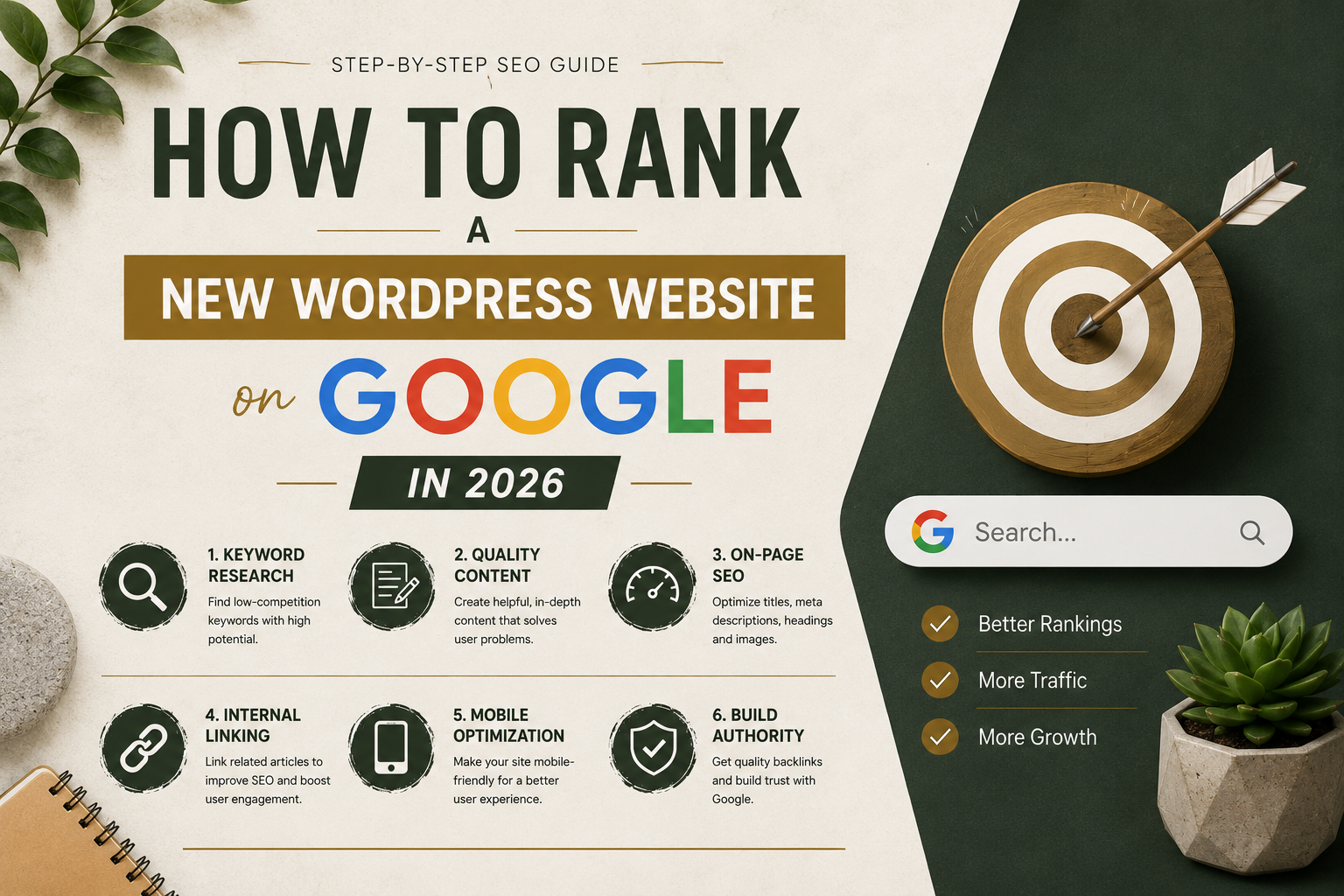
How to Rank a New WordPress Website on Google in 2026
I still remember the frustration of publishing article after article and seeing almost no traffic from Google.
I honestly thought ranking a new website was nearly impossible.
Meanwhile, I kept seeing other small blogs appear in search results while my website stayed invisible.
At first, I blamed competition.
Then I realized most of my problems came from beginner SEO mistakes.
I was:
- Writing random topics
- Ignoring keyword research
- Using weak titles
- Skipping internal links
- Ignoring website speed
Once I started improving the basics properly, things slowly changed.
Some articles began getting indexed faster. A few pages started appearing on Google. Eventually, traffic became more consistent.
Honestly, ranking a new WordPress website in 2026 is still challenging, but it is absolutely possible if you focus on the right things.
This guide explains the beginner-friendly strategies that actually helped me improve Google rankings over time.
How Google Understands New Websites
When a new website launches, Google initially knows almost nothing about it.
The search engine tries to understand:
- What your website is about
- Whether content is helpful
- How fast the website performs
- How trustworthy the site looks
- Whether visitors have a good experience
New websites usually need patience and consistency before rankings improve.
Why Most New WordPress Websites Fail to Rank
I personally made many of these mistakes early on.
Most beginner websites struggle because they:
- Target extremely competitive keywords
- Publish thin content
- Ignore SEO basics
- Use slow themes
- Lack proper structure
Google increasingly rewards websites that genuinely help users instead of trying to manipulate rankings.
How to Rank a New WordPress Website on Google
After testing many SEO strategies, I realized successful websites usually focus on a few important fundamentals consistently.
- Choose the right keywords
- Create helpful content
- Improve website speed
- Optimize on-page SEO
- Use internal linking
- Build trust gradually
Simple improvements done consistently usually work better than complicated SEO tricks.
Start With Easier Keywords
This was one of the biggest lessons I learned.
Initially, I targeted extremely competitive keywords that huge websites already dominated.
That made ranking nearly impossible.
Now I usually focus on:
- Long-tail keywords
- Specific beginner topics
- Problem-solving searches
- Lower competition phrases
For example:
Instead of targeting:
“SEO”
You might target:
“How to rank a new WordPress website on Google”
Specific keywords usually give beginners a better chance.
Create Helpful Content First
Honestly, helpful content matters more than many beginners realize.
I personally noticed rankings improve when articles became:
- More detailed
- Better structured
- Easier to read
- More practical
Google increasingly rewards content that solves problems properly.
Helpful content also keeps visitors on the website longer.
Use Proper SEO Structure
SEO structure helps search engines understand your articles better.
I usually focus on:
- Focus keywords
- SEO-friendly titles
- Meta descriptions
- H2 headings
- Image alt text
Plugins like Rank Math SEO make this process much easier for beginners.
You can also explore our SEO Writing guide for beginner-friendly optimization tips.
Improve Website Speed
Slow websites create poor user experience.
I personally noticed better engagement after improving loading speed.
Fast websites usually help:
- Reduce bounce rates
- Improve mobile experience
- Support better SEO
- Increase user trust
Simple speed improvements include:
- Using lightweight themes
- Optimizing images
- Enabling caching
- Using better hosting
You can test performance using Google PageSpeed Insights.
You can also read our Fast WordPress Website guide for beginner-friendly optimization methods.
Focus on Mobile Optimization
Most visitors now browse websites using phones.
Sometimes websites look good on desktop but feel frustrating on mobile devices.
I personally test:
- Text readability
- Button spacing
- Mobile speed
- Navigation usability
Mobile-friendly websites usually perform better overall.
Use Internal Linking Properly
Internal linking is one of the easiest SEO improvements beginners ignore.
Connecting related articles helps:
- Improve website structure
- Increase page views
- Help Google crawl pages
- Keep visitors engaged longer
For example, SEO articles can naturally connect to speed optimization or WordPress tutorials.
Submit Your Website to Google Search Console
This step is extremely important.
Google Search Console helps:
- Index pages faster
- Monitor search performance
- Find SEO issues
- Track impressions and clicks
I personally check Search Console regularly because it provides useful insights about ranking progress.
Improve Core Web Vitals
Core Web Vitals measure real user experience.
Better performance often improves website quality overall.
I personally improved scores by:
- Using lightweight themes
- Reducing plugins
- Compressing images
- Using LiteSpeed Cache
You can also explore our Core Web Vitals guide for detailed optimization tips.
Publish Consistently
One thing that surprised me most about SEO was how important consistency became.
Websites with regular helpful content usually build authority gradually over time.
You do not need to publish daily.
Even one or two quality articles weekly can help if you stay consistent.
Do Not Expect Instant Rankings
This is important to understand.
New websites usually take time before Google fully trusts them.
Some articles may rank within weeks.
Others may take months.
I personally noticed traffic growth happening gradually instead of suddenly.
Common SEO Mistakes Beginners Make
Targeting Difficult Keywords
Huge competitive keywords are difficult for new websites.
Publishing Thin Content
Very short articles often struggle to rank.
Ignoring Website Speed
Slow websites hurt user experience badly.
Writing Only for Search Engines
Articles should feel natural and genuinely helpful.
Simple SEO Setup I Personally Recommend
If I launch a new WordPress website today, my setup would probably include:
- Lightweight theme
- Rank Math SEO
- LiteSpeed Cache
- Google Search Console
- Helpful long-form content
- Internal linking strategy
This setup creates a strong beginner-friendly SEO foundation.
You can also read our Core Web Vitals guide because faster websites often rank better over time.
What Helped Me Rank Faster Most
Honestly, the biggest improvement happened when I stopped trying to “hack” Google and focused instead on making the website genuinely useful.
Once content quality, speed, readability, and structure improved together, rankings became much more consistent.
Google increasingly rewards websites that provide real value.
Final Thoughts
Ranking a new WordPress website on Google in 2026 is definitely possible for beginners.
You do not need expensive SEO tools or advanced technical knowledge to start improving rankings.
Most successful websites mainly focus on:
- Helpful content
- Good user experience
- SEO structure
- Fast performance
- Consistency
If you stay patient and keep improving gradually, your website can absolutely start building organic traffic over time.

Askwps is a technology and blogging website that shares helpful guides about WordPress, SEO, web hosting, blogging, website speed optimization, and online tools. Our goal is to provide simple and practical tutorials for beginners and website owners.