
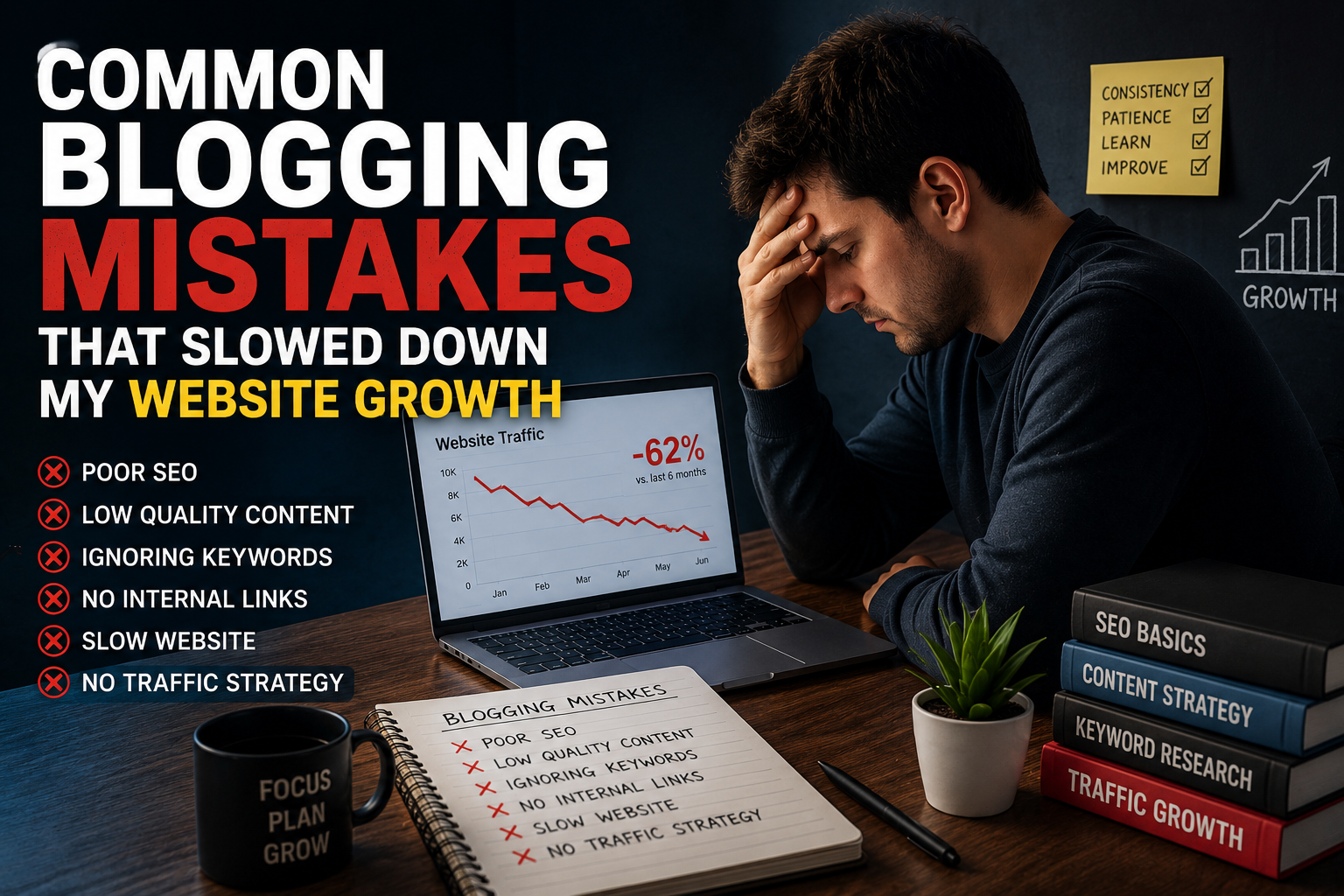
I still remember the moment I realized something was seriously wrong with my blog.

Why These Common Blogging Mistakes That Slowed Down My Website Growth Were Hard to Notice
The dangerous thing about blogging mistakes is that they usually don’t break your website immediately.
Your blog still works. Articles still get indexed sometimes. Google Search Console may still show a few impressions. Maybe one random article performs okay, so you assume things are “kind of working.”
That is exactly what happened to me.
I kept publishing more content because I thought consistency alone would eventually fix everything.
It didn’t.
Google rewards useful content, strong structure, trust, and user experience. Publishing random content daily without real value rarely works long term.
Honestly, I learned that lesson the hard way.
1. Publishing Too Many Low-Quality Articles
This was probably my biggest blogging mistake.
At one point, I believed that publishing daily would automatically grow my website faster. I saw people online saying things like:
“Post every day and Google will notice your website.”
For me, that advice became a disaster.
I ended up with many weak articles that barely solved any real problem. Some posts were thin. Some were repetitive. Some honestly felt rushed.
The worst part?
I thought quantity meant productivity.
What Finally Changed
I stopped focusing on article count and started focusing on usefulness.
Instead of writing rushed generic posts, I started adding:
- Real experiences
- Personal observations
- Step-by-step guidance
- Screenshots
- Actual opinions
- Practical examples
Traffic did not explode overnight, but slowly impressions started improving inside
Google Search Console.
That was the first real sign that I was finally moving in the right direction.
2. Ignoring Search Intent Completely
Another huge mistake was writing what I wanted to say instead of what users actually needed.
For example, I once wrote a long article explaining blogging theory when readers simply wanted a quick fix for a WordPress issue.
No wonder the bounce rate was terrible.
Now before writing any article, I ask myself:
- What problem is the user trying to solve?
- Do they want a quick answer or a detailed guide?
- Are they looking for a tutorial, checklist, or comparison?
- Can I genuinely help them better than existing articles?
This habit improved my content quality more than any advanced SEO trick.
3. Over-Optimizing Keywords
I cringe when I read some of my old articles.
I was forcing keywords everywhere.
The intro had the keyword. Every heading had the keyword. Every second paragraph repeated the same phrase again and again.
The article looked “optimized,” but sounded terrible.
At one point I wrote such an awkward sentence that even I didn’t enjoy reading it back.
That’s when I realized something important:
SEO should support readability, not destroy it.
What I Do Now
I still optimize my articles carefully using
Rank Math SEO,
but naturally.
Now I focus more on:
- Topic depth
- Semantic keywords
- User experience
- Helpful answers
- Simple structure
- Readable flow
Funny enough, rankings improved after I stopped obsessing over keyword density.
4. Choosing a Slow WordPress Theme
This mistake wasted months of my time.
I picked a flashy WordPress theme because it looked “professional.” It had sliders, animations, homepage effects, and many fancy sections.
The website looked impressive… until I tested the speed.
Awful.
Pages loaded slowly, especially on mobile devices. And honestly, most visitors don’t wait for slow websites.
They leave.
What Helped Me
I switched to a cleaner and lighter setup using themes like GeneratePress and Astra.
I also started using caching and optimization tools like LiteSpeed Cache and image compression plugins.
If your website feels slow, you can also read my guide on
How to Improve Website Speed on WordPress.
Sometimes simple websites perform much better than flashy designs.
5. Not Understanding Internal Linking
In the beginning, I completely underestimated internal links.
I would publish articles and never properly connect them with related content.
Basically, every article was living alone.
That made it harder for both users and Google to understand my website structure.
My Internal Linking Strategy Now
Whenever I publish a new article, I try to connect it naturally with older relevant posts.
For example, while learning indexing and impressions, my article on
Google Search Console Guide for Beginners
helped me understand many SEO problems properly.
I also learned a lot while testing optimization plugins and setups. If you are confused about SEO plugins, you can read my guide on
Best SEO Plugins for WordPress Bloggers.
This helped improve crawling, user engagement, and overall website structure.
6. Writing for Google Instead of Real Humans
This one hurts because I genuinely thought I was doing SEO correctly.
But my articles sounded lifeless.
Everything felt too formal and robotic.
There was no personality. No experience. No emotion. Just information dumped into paragraphs.
The turning point came when I started writing more naturally.
Not careless writing. Just human writing.
I started sharing:
- Frustrations
- Personal observations
- Real testing experiences
- Honest mistakes
- Unexpected results
Readers stayed longer after that. The content simply felt more trustworthy.
7. Ignoring Google Search Console Warnings
For a long time, I barely checked technical reports inside Google Search Console.
Big mistake.
I later discovered pages that were:
- Not indexed
- Blocked accidentally
- Showing duplicate issues
- Having mobile usability problems
And I had absolutely no clue.
What I Recommend
- Check indexing reports weekly
- Inspect important URLs manually
- Fix duplicate issues early
- Monitor impressions regularly
- Submit updated pages for indexing
You don’t need to become an SEO expert overnight, but completely ignoring website data is risky.
8. Uploading Huge Images Without Optimization
I used to upload screenshots directly from my phone or laptop.
Some images were larger than 4MB.
I didn’t realize how badly large images affect loading speed, especially for mobile users.
Now I always compress images before uploading them.
Tools I Use
- TinyPNG
- ShortPixel
- WebP image format
- Lazy loading
Image optimization alone made my website feel noticeably smoother.

9. Expecting Results Too Fast
This mistake was emotional more than technical.
I expected traffic way too quickly.
I would publish an article and check rankings the same day like an impatient maniac.
Sometimes I even rewrote articles after one week because they were not ranking yet.
That panic made things worse.
Good content often needs time, especially on newer websites.
One of my best-performing articles stayed almost invisible for months before traffic suddenly improved.
If I had deleted it early, I would have lost one of my best pages.
10. Installing Too Many WordPress Plugins
I also went through the phase where every plugin looked useful.
SEO plugin? Installed.
Popup plugin? Installed.
Analytics plugin? Installed.
Extra design plugin? Installed.
Before I realized it, my WordPress dashboard became heavy and messy.
Some plugins even conflicted with each other.
What I Keep Now
- One SEO plugin
- One caching plugin
- Basic security plugin
- Only necessary user experience tools
A minimal setup is usually faster and easier to manage.
11. Not Updating Old Content
For a long time, I thought blogging only meant publishing new posts.
But old articles also need attention.
Some of my old posts had outdated screenshots, weak intros, broken links, and missing information.
After updating them properly, some articles started getting better impressions again.
Now I regularly improve old content instead of ignoring it completely.
12. Ignoring Mobile Readability
Most people read blogs on mobile devices now.
But in the beginning, I only checked my articles on desktop.
On mobile, some paragraphs looked too long, images felt oversized, and the content was harder to scan.
Now I keep paragraphs shorter, use clearer headings, and always preview articles on mobile before publishing.
Small readability improvements make a huge difference.
Many beginners repeat the same common blogging mistakes that slowed down my website growth because they focus too much on quick traffic instead of building a genuinely helpful website.
External Tools That Actually Helped Me
Many of these common blogging mistakes that slowed down my website growth were connected with poor SEO habits and weak website optimization.
Some free tools genuinely helped me understand my website better and improve performance over time.
Google Search Console
— helped me monitor indexing and technical issues.
Google Analytics
— useful for understanding user behavior and traffic sources.
Rank Math SEO
— helped improve on-page SEO naturally.
TinyPNG
— useful for compressing images without ruining quality.
Ahrefs Webmaster Tools
— helped monitor backlinks and SEO issues.- After making these common blogging mistakes that slowed down my website growth, I finally understood that blogging success depends more on quality, patience, and user experience than publishing random content daily.
Practical Blogging Tips I Wish I Knew Earlier
- Focus on solving one clear problem per article
- Don’t publish just to stay “consistent”
- Write naturally first, optimize later
- Improve old articles regularly
- Compress images before uploading
- Use fewer plugins
- Check Google Search Console weekly
- Build topical authority slowly
- Stop comparing traffic every single day
And honestly?
Take breaks sometimes.
Blogging burnout is real.
What I Learned After Making These Blogging Mistakes
Understanding the common blogging mistakes that slowed down my website growth completely changed the way I approach blogging and SEO today.
Looking back now, I realize most of my website growth problems were not caused by bad luck.
They came from impatience, weak planning, poor SEO habits, and trying to grow too fast without understanding the basics properly.
The good thing is that most blogging mistakes are fixable.
If your blog feels stuck right now, don’t panic immediately. Sometimes a few smart improvements can completely change your growth direction over time.
One thing that genuinely motivated me was seeing gradual traffic improvements over time. I explained that journey more deeply in my article
How I Increased Organic Traffic on My Niche Website.
Slow progress still counts.
And in blogging, slow but real growth is far better than fast temporary results.
Frequently Asked Questions
The common blogging mistakes that slowed down my website growth were mostly related to weak content strategy, poor technical SEO, and impatience.
Why is my blog not growing even after publishing regularly?
Publishing regularly alone is not enough. Your content also needs strong search intent, good structure, proper SEO, helpful information, and a good user experience.
How long does it take for a new blog to get traffic?
Honestly, new blogs usually take longer than people expect. Some articles may start getting impressions within weeks, while others may take several months before showing proper traffic.
Can too many plugins slow down a WordPress website?
Yes. Too many plugins can slow down your website, create conflicts, and make WordPress harder to manage.
What is the biggest blogging mistake beginners make?
One of the biggest mistakes is creating content without understanding what users are actually searching for.
Understanding the common blogging mistakes that slowed down my website growth helped me improve my rankings, readability, and overall website performance over time.
Does website speed affect SEO?
Yes. Slow websites can hurt user experience, increase bounce rates, and negatively affect rankings over time.
Should I update old blog posts?
Definitely. Updating old articles with better information, screenshots, headings, and internal links can improve their performance.
Avoiding the common blogging mistakes that slowed down my website growth helped me improve website structure, SEO performance, readability, and long-term organic traffic.
Related Articles You May Find Helpful

Askwps is a technology and blogging website that shares helpful guides about WordPress, SEO, web hosting, blogging, website speed optimization, and online tools. Our goal is to provide simple and practical tutorials for beginners and website owners.