
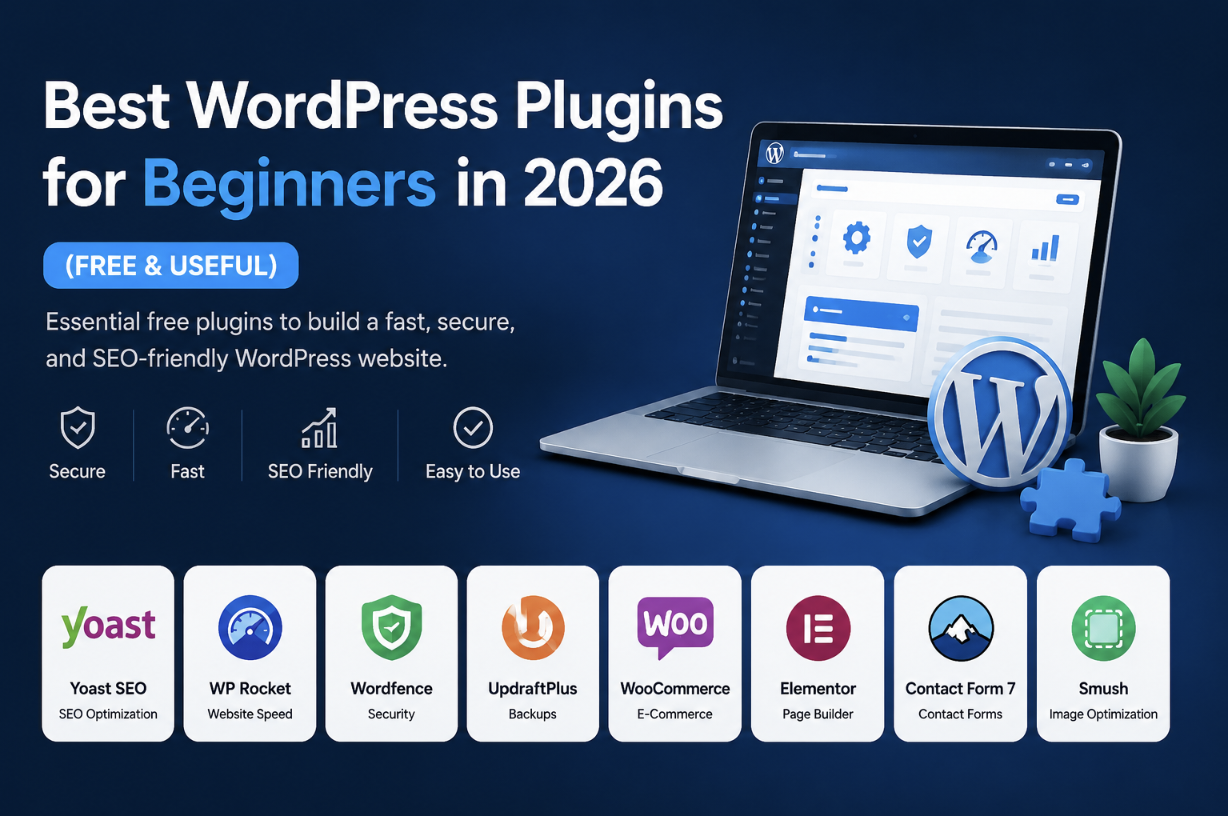
Best WordPress plugins for beginners are essential for starting a successful website. I tested dozens of free plugins in 2026 and found the most reliable tools for SEO, speed, security, backups, forms, and image optimization. This guide will help you pick the right plugins without wasting time or money.
Why Choosing the Right Plugins Matters
Plugins extend your website’s functionality. But beginners often make the mistake of installing dozens of plugins unnecessarily. This can:
- Slow down your website
- Cause conflicts and errors
- Create security vulnerabilities
- Make the dashboard confusing
Instead, it’s better to choose only essential, well-maintained plugins that solve real problems.
Rank Math – The SEO Plugin I Recommend
For SEO, I personally use Rank Math. It’s beginner-friendly and helps you optimize content without feeling overwhelmed. Features I love:
- Easy setup wizard
- On-page SEO scoring
- Schema markup support
- XML sitemap generation
- Google Search Console integration
- Redirection manager
Internal link example: How to Write SEO-Friendly Blog Posts
LiteSpeed Cache – Improve Speed Without Extra Costs
Speed is critical. I started using LiteSpeed Cache, and my website’s loading time improved noticeably. Key features:
- Page caching
- Image optimization
- Lazy loading
- CSS & JS minification
- WebP image support
Outbound link for testing speed: Google PageSpeed Insights
Wordfence – Security Made Easy
Even beginner sites face attacks. Wordfence helped me secure login attempts, scan for malware, and protect my website. Main benefits:
- Login protection
- Firewall system
- Malware scanning
- Security alerts
Internal link example: How to Secure Your WordPress Website
UpdraftPlus – Backups That Save Your Life
I lost valuable content once because I had no backup. UpdraftPlus made backing up automatic and painless. Highlights:
- Automatic backups
- Cloud storage support (Google Drive, Dropbox)
- Easy restore
ShortPixel – Optimized Images, Faster Pages
Uploading large images slowed down my site. ShortPixel compresses images without quality loss and supports WebP conversion. Essential for mobile performance.
Internal link: How to Optimize Images for WordPress
WPForms Lite – Contact Forms Simplified
I tried multiple form plugins, but WPForms Lite is the easiest for beginners. Minimal setup, clean interface, and fully functional free version.
Common Mistakes Beginners Make
- Installing too many plugins
- Uploading huge, unoptimized images
- Using heavy themes with animations
- Ignoring caching and performance
- Not testing mobile performance
My Recommended Beginner Plugin Setup
- Rank Math – SEO
- LiteSpeed Cache – Performance
- Wordfence – Security
- UpdraftPlus – Backup
- WPForms Lite – Contact forms
- ShortPixel – Image optimization
FAQ About Best WordPress Plugins for Beginners
Which SEO plugin is best for beginners?
Rank Math is highly recommended because of its simple setup and beginner-friendly features.
Do too many plugins slow down WordPress?
Yes. Only install necessary, well-coded plugins to maintain speed.
Do beginners need security plugins?
Absolutely. Even small websites face attacks. Wordfence or similar is essential.
Do image optimization plugins matter?
Yes, they reduce page load times and improve Core Web Vitals.
Final Thoughts
When I started blogging, I installed almost every plugin I found online. Most of them slowed down my site or caused conflicts. After testing, these plugins above are what actually made my life easier.
Keep your setup simple. Focus on speed, SEO, security, and backups first. Advanced tools can come later as your site grows.

Askwps is a technology and blogging website that shares helpful guides about WordPress, SEO, web hosting, blogging, website speed optimization, and online tools. Our goal is to provide simple and practical tutorials for beginners and website owners.